Notifications
The bell at the top right of every page keeps what happened for you. A number on the bell shows how many you have not read.
What you are told
| Notification | When |
|---|---|
| An alarm, for example "Left open too long alarm" | A cell raised an alarm. It names the station and the cell and opens the Alarms page. You get it if your role can see alarms. |
| A reply on one of your reports | IMBox answered. |
| A report assigned or solved | IMBox took your report, or marked it solved. |
IMBox can switch email notifications on for the system. When it is on, the same messages also arrive by email to people who have an email address on their account, with a link.
Use the bell
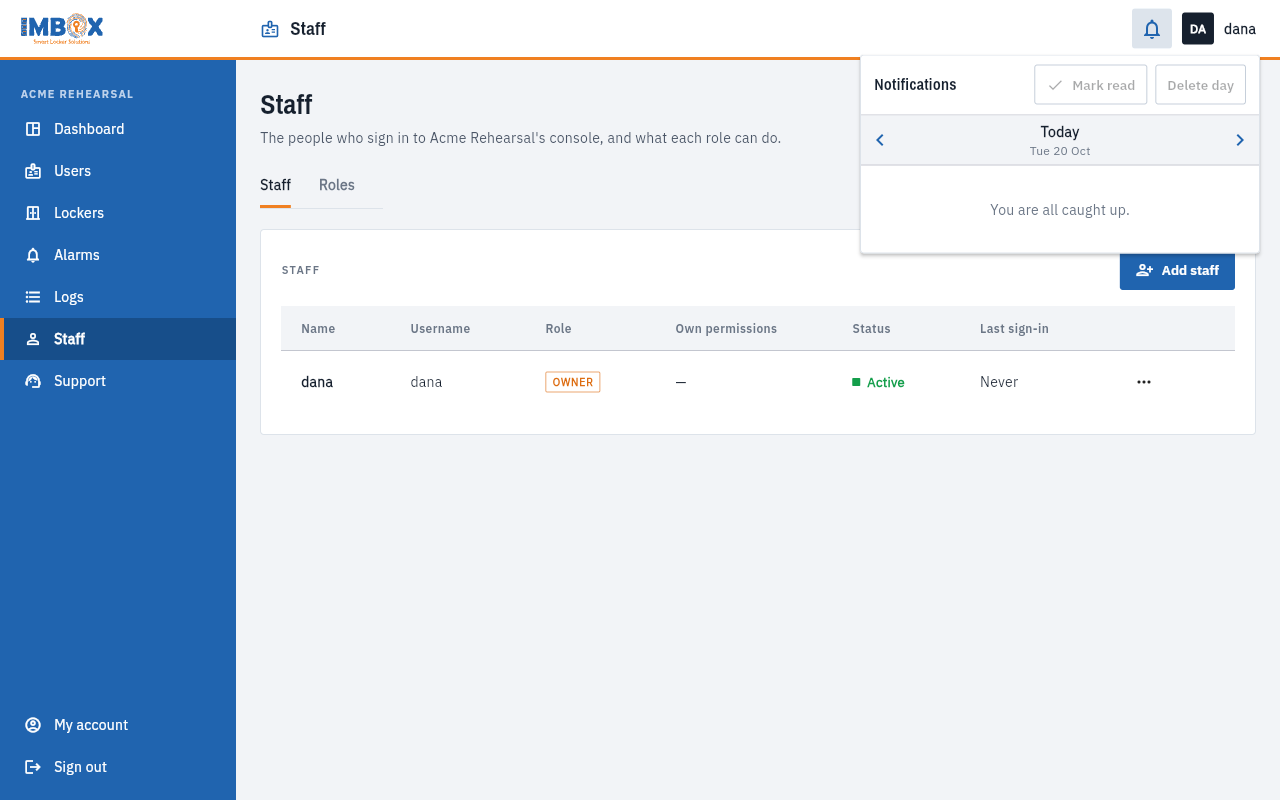
- Open it: press the bell. It always opens on Today.
- Go back a day: use the arrows at the top of the panel to see yesterday, the day before, and so on. Every day is kept.
- Open the thing: press a notification. It takes you to the alarm or the report.
- Mark them read: Mark read clears the number.
- Delete: the bin on one notification deletes it. Delete day removes the whole day, after you confirm.
Deleting only removes a notification from your bell. Other people keep theirs.