Cell transactions
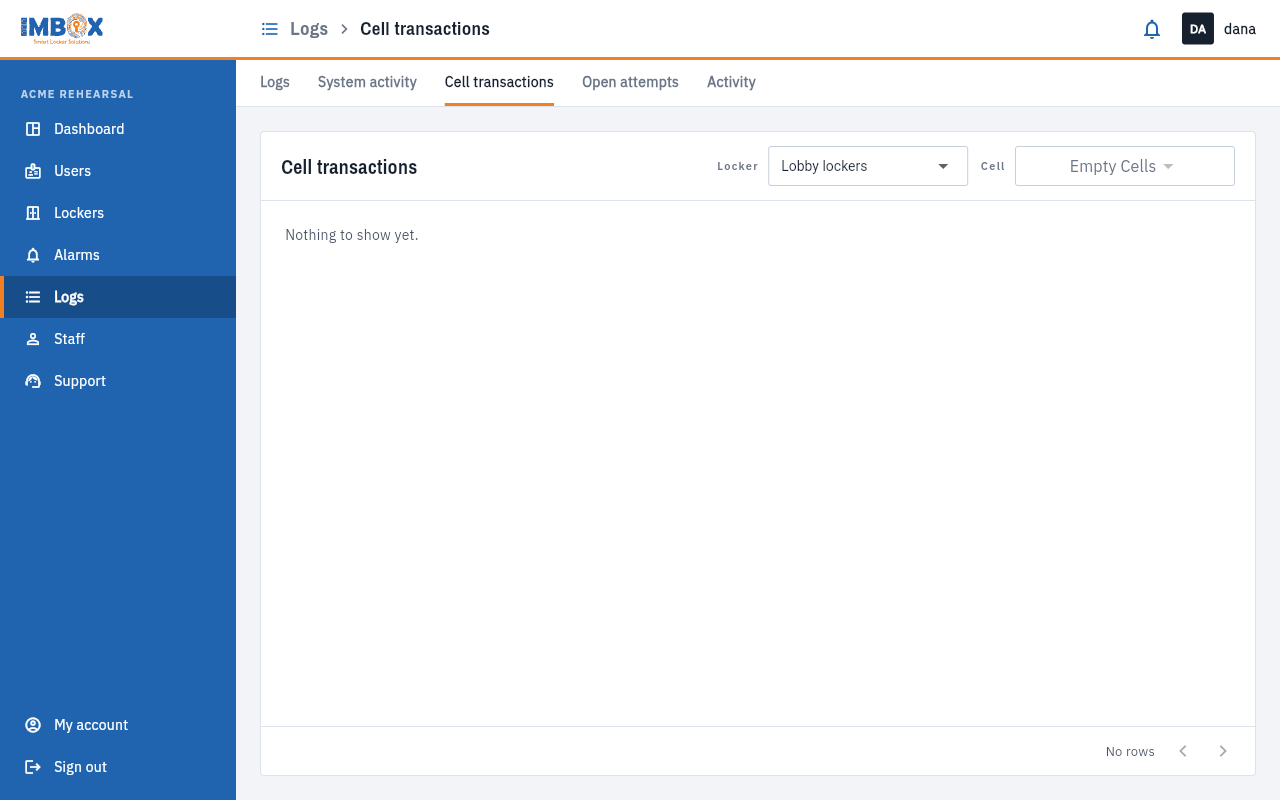
The Cell transactions tab shows the history of one cell.
- Choose the Locker station.
- Choose the Cell.
The list shows:
| Column | Meaning |
|---|---|
| Name | The person. |
| Cell | The cell number. |
| Locker and Location | Where the cell is. |
| Profile type | Whether the person uses shared or pre-assigned cells. |
| Log | What happened, for example open. |
| Creation date | When. |
If you have not chosen a cell yet, the list is empty and the cell drop-down says "Empty Cells". Choose a locker and a cell first.